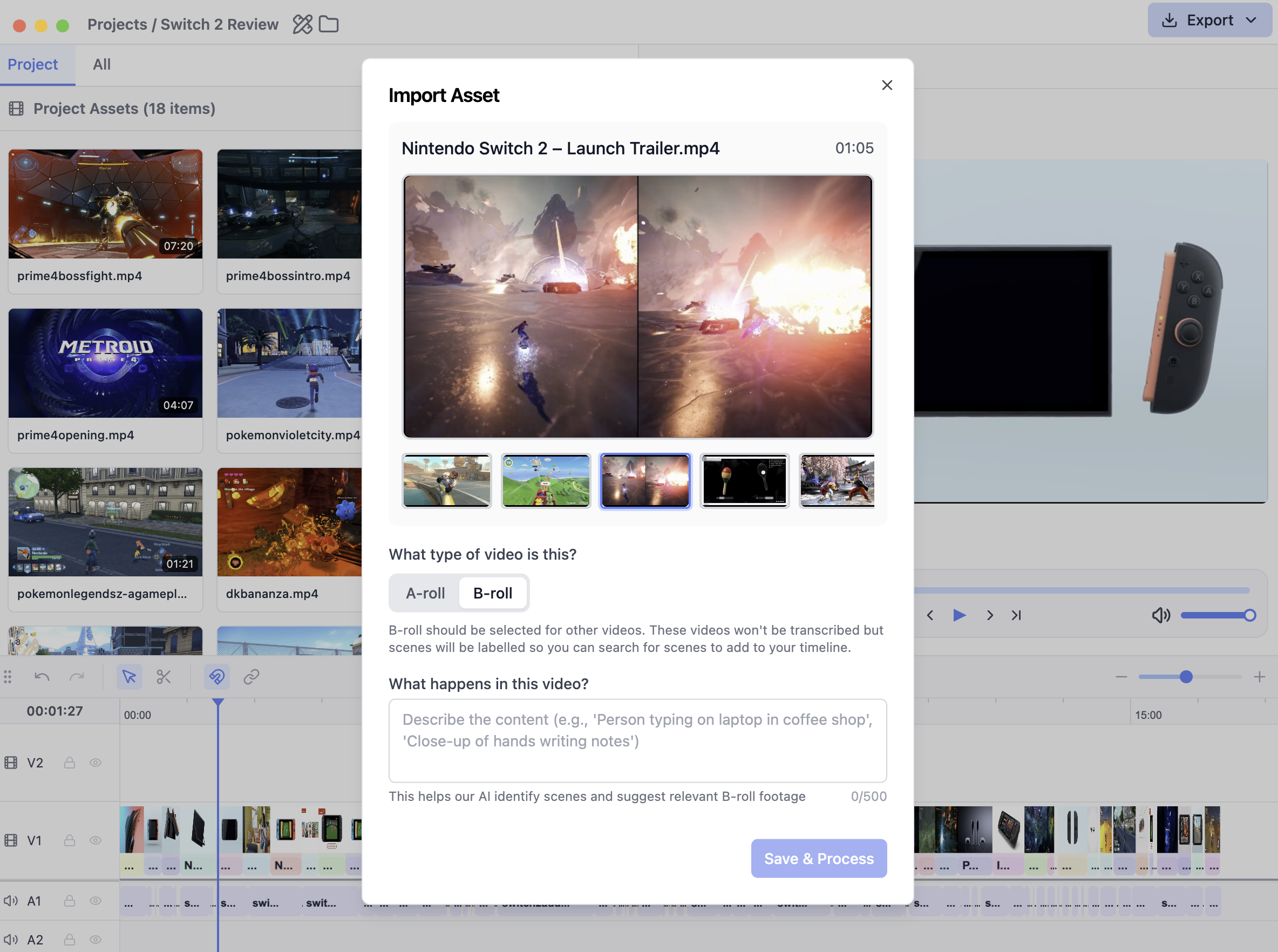

- A-roll: Videos that contain the primary voiceover (i.e. talking head). These videos will be transcribed when added to the text editor but will not be processed for search.
- B-roll: Videos that contain footage that will be added on top of the primary voiceover. These videos will be processed for clip search, allowing you to quickly search for specific scenes from your raw footage. To improve the quality of clip search, you are encouraged to provide descriptive context that will be used by our AI to analyze the footage.